How to Make iOS 27 App Store Header and Search Images
iOS 27 gives every App Store product page two new images. A wide header runs across the top of your page, behind your icon, name, and Get button. A search result image shows up when your app comes up in search, before anyone taps through. Both are optional, and both are a big, bright first impression most apps don't have yet.
Here's what Apple asks for, the rules that trip people up, and how to make them from the screenshots you already have.
The Sizes
- Product page header: 21:9, 3840 × 1646 pixels.
- Search result image: 3:2, from 1920 × 1280 up to 3840 × 2560 pixels.
- One image for both: 16:9, 5244 × 2950 pixels, PNG only. App Store Connect crops it to 21:9 for the header and 3:2 for search.
- No transparency. None of these can have an alpha channel, even a fully opaque one.
- Video works too: the same sizes, 5 to 30 seconds, at 30 or 60 frames per second.
Use PNG. Apple's spec page lists JPEG for the header, but App Store Connect turned down a .jpg header of ours with "File has an invalid extension." PNG with no transparency is the safe choice for all three, and the only choice for the 16:9 image.
Apple's Rules for These Images
Apple's asset guidelines are short, and they're stricter than for screenshots:
- One clear idea. A busy header reads as noise at the top of the page.
- Keep the important part in the middle. Different devices crop differently.
- No prices, discounts, links, or the © symbol.
- No other platforms' logos and no mention of other app stores.
- Nothing you can't back up, and no Apple awards.
- For search, state the obvious and show the real app, since people searching want to know what it does at a glance.
Where Apple Covers and Crops
On the product page, your icon, name, and Get button sit over the bottom of the header. Anything important down there disappears under them, so keep headlines and faces in the top two thirds. The 16:9 image loses its top and bottom for the header and its sides for search, so everything that matters has to sit inside both crops.
Making Them in Shotstand
Shotstand has all three as sizes, plus a starter set:
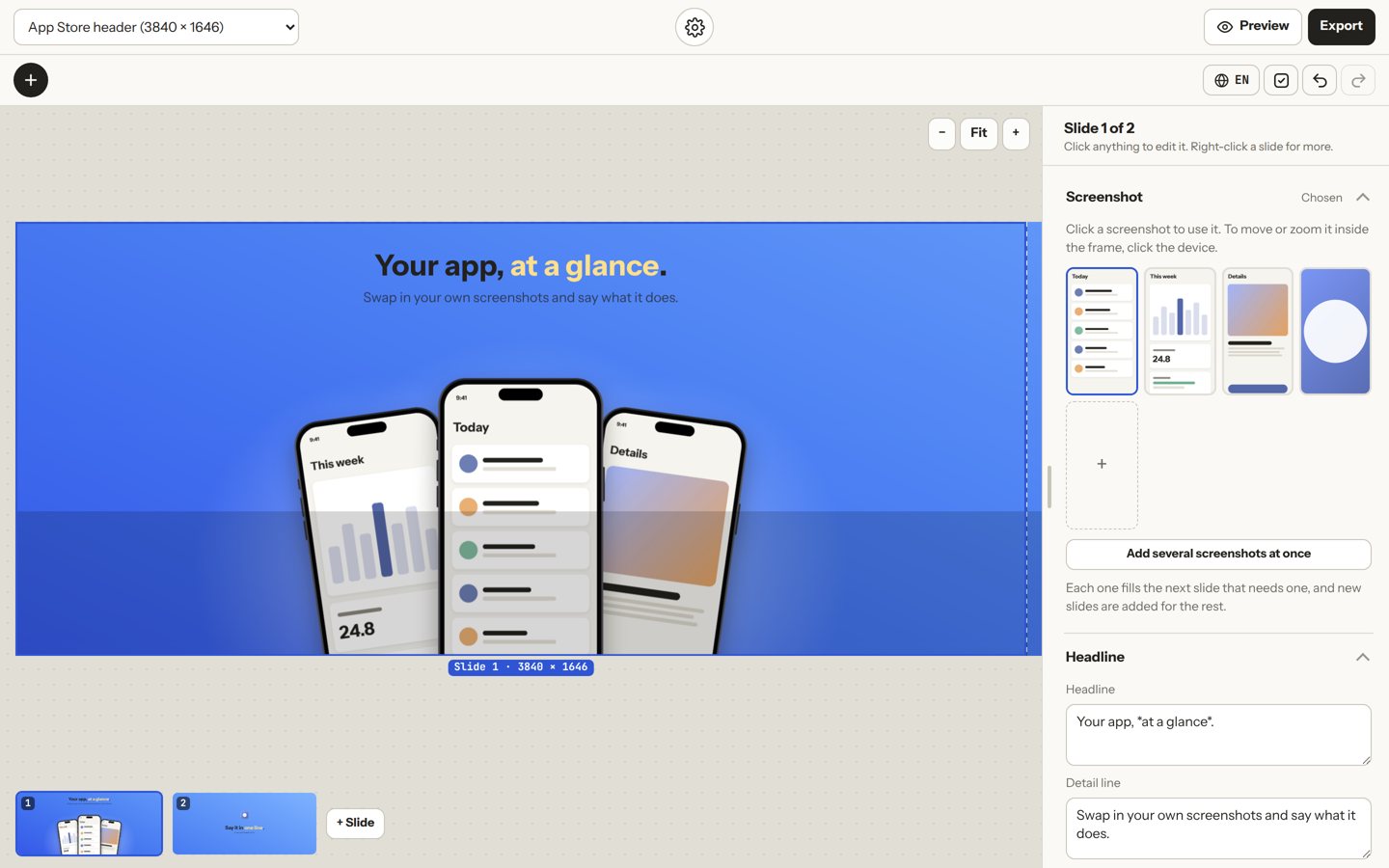
- Tap +, then Start a new set, then App Store header and search. You get a header with three phones and a headline, and a second, simpler header to try.
- Drop in your own screenshots and write one line about what your app does. Put *stars* around a word to color it.
- Switch the size at the top to see the search image or the 16:9 image. The layout refits for each shape, and the canvas shows Apple's crops as dashed boxes.
- Open Export and tap Save all three. You get the header, the search image, and the 16:9 image as PNG files with no transparency, ready to upload.
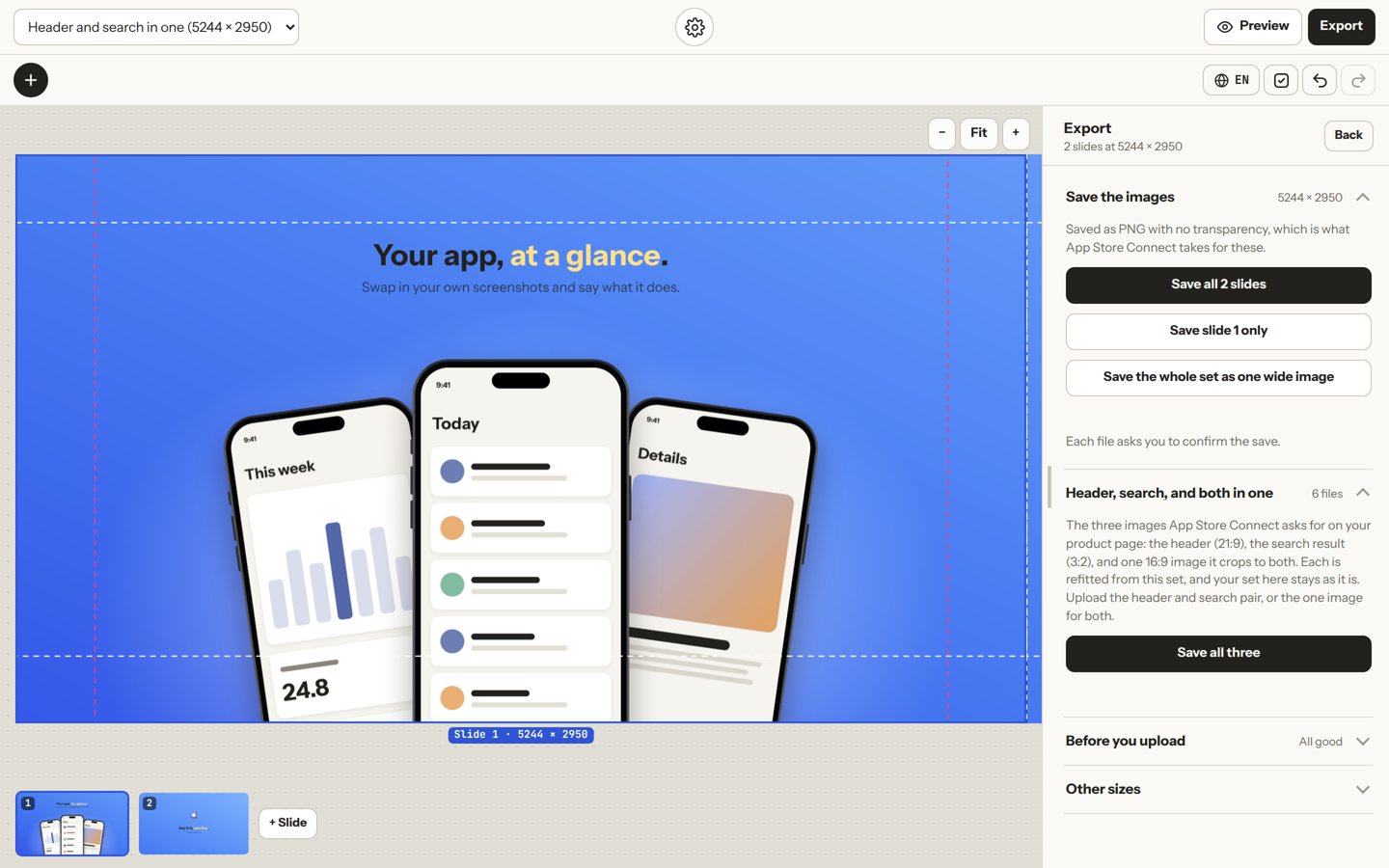
The checks under Before you upload remind you of the rules above, so nothing gets turned down for a price in the corner.
iPhone Duo Screenshots
Apple will also ask for screenshots of iPhone Duo's two displays, from April 2027, for apps that run on it: 1398 × 2034 for the outer display and 2007 × 2853 for the inner one (or turned sideways for landscape). Both are in Shotstand's size menu, and your set refits to them like any other size.
Examples
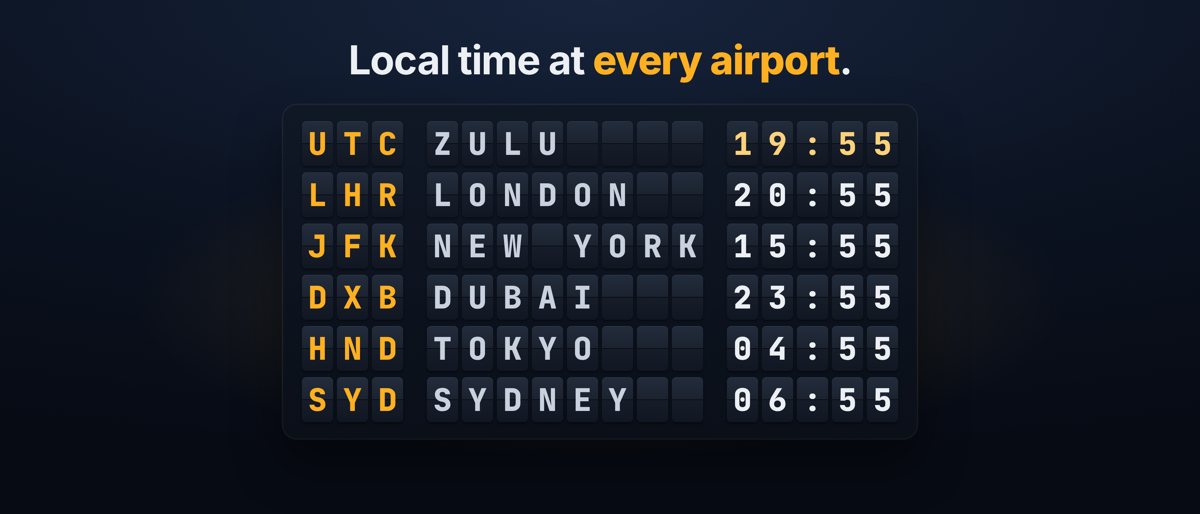
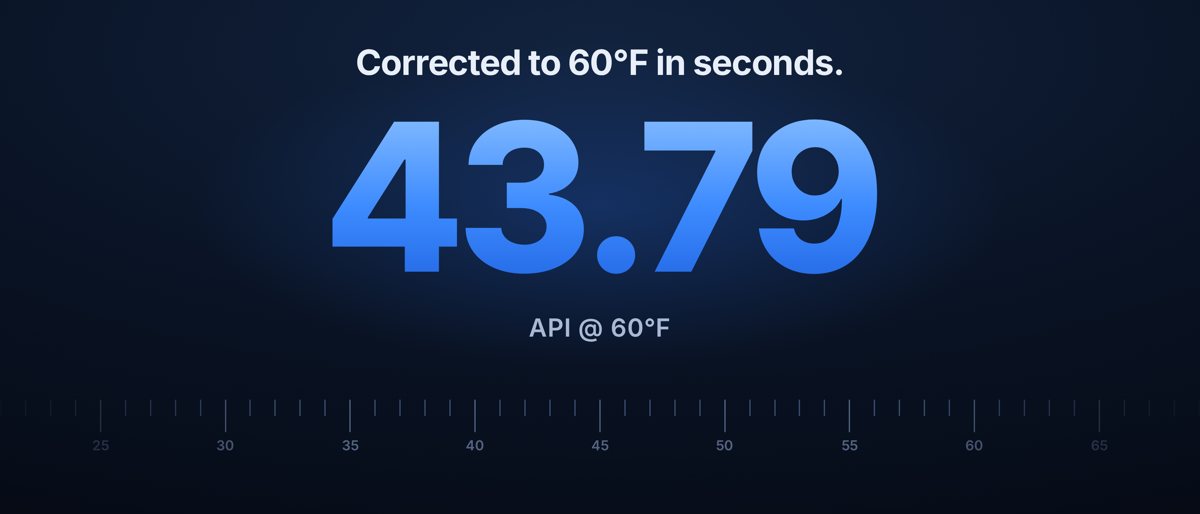
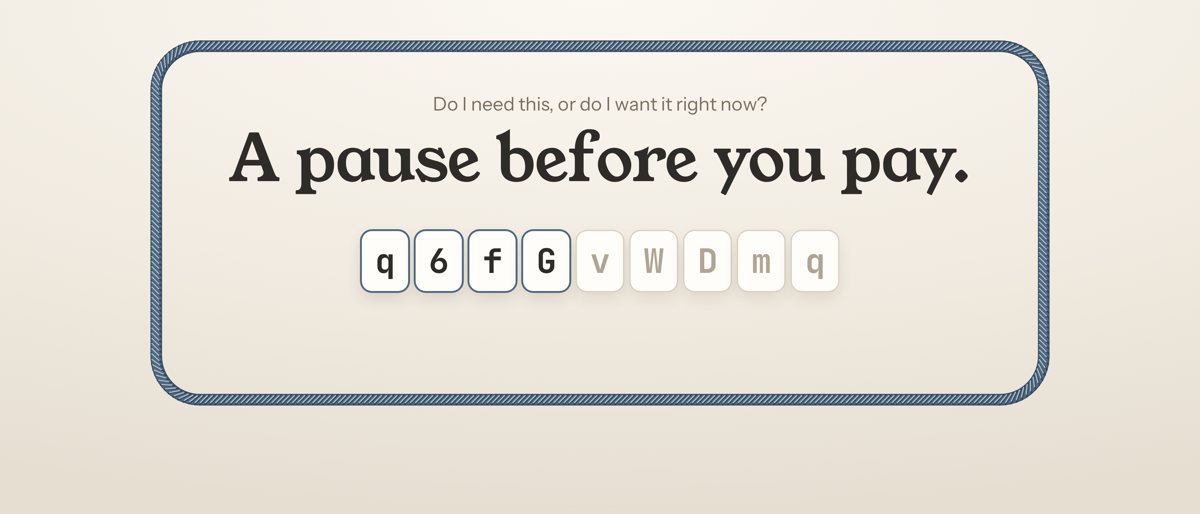
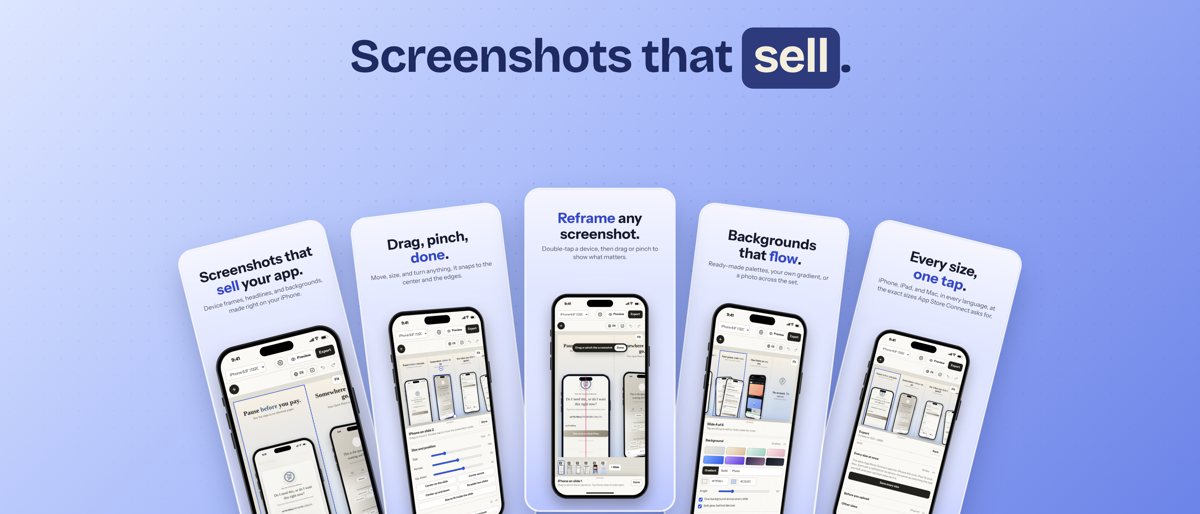
These are the headers for four apps from the same developer as Shotstand, made with its device frames:
What It Costs
The header, search, and 16:9 sizes, Save all three, the starter set, and the iPhone Duo sizes are part of Shotstand Premium: one $0.99 purchase, not a subscription, on iPhone, iPad, and Mac. Everything else in Shotstand, including every screenshot size, stays free.
Shotstand is coming soon to the App Store. Until then, try the live demo, or read every App Store screenshot size, explained.