Why I Built Shotstand: Screenshot Tools Shouldn't Cost More Than Your App
I make small apps: an airport world clock, a fuel gravity calculator for the ramp, a browser extension that pauses checkout pages. None of them has a marketing budget. All of them need App Store screenshots, and every update is a reason to redo them.
The tools I tried for that job all had a catch. A monthly subscription to save at full size. An account before I could start. My unreleased app's screens uploaded to a stranger's server. A free tier that stamped a watermark on everything, or capped what you could save. For a small app, a year of that can cost more than the app earns.
That's backwards. Screenshots are the most important thing on your product page, and the people with the least money are the ones who need to iterate on them the most. So I built the tool I wanted, and I'm releasing it the way I wish the others had been.
Everything You Need Is Free
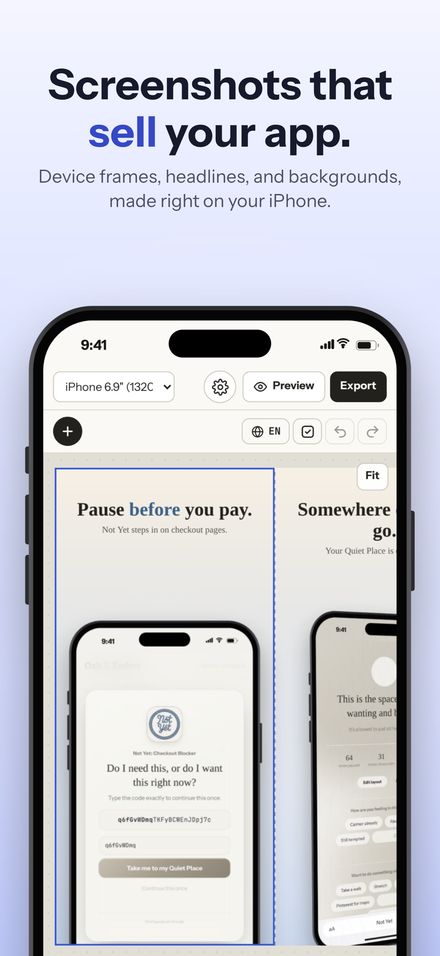
The free version of Shotstand is the whole editor, not a demo with the good parts removed:
- Real device frames for iPhone, iPad, and Mac, including a MacBook with its base.
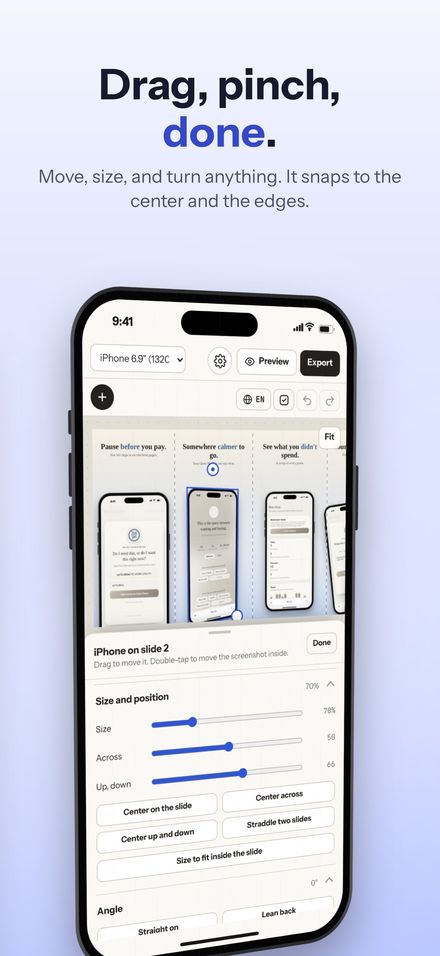
- Eleven layouts, from a phone rising out of the bottom to one device lying across two slides.
- Headlines and detail lines in the fonts built into your device, with stars around a word to color it, and text that shrinks to fit.
- Sixteen palettes, your own gradients, film grain, and one background that flows across the whole set.
- A clean 9:41 status bar, snapping, reframing the screenshot inside a device, and a preview the way the App Store shows it.
- Checks before you save: text off the edge, headlines too long to read in search, screenshots that will look soft.
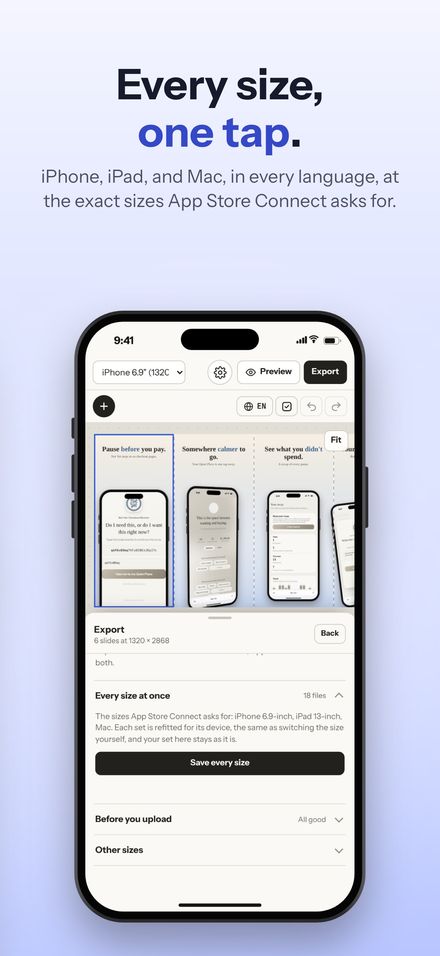
- Saving every slide at full size, as JPEG or PNG. No watermark, no slide limit, no export cap.
Why There's a Premium at All, and Why It's $0.99
Apps take time to build and keep up to date, and I'd rather ask for a small amount once than put ads in front of you or rent you the app by the month. So there's one purchase, Shotstand Premium, for $0.99. It isn't a subscription and it never expires.
Premium adds the things that save the most time once you're doing this regularly: saving every size Apple asks for in one tap, iOS 27's new App Store header and search images, iPhone Duo sizes, more than one language, templates, photo backgrounds, the whole set as one wide image, and Apple Watch frames and sizes. If you make one app's screenshots once, you may never need it. If you ship updates every month, it pays for itself the first afternoon.
No Laptop Required
Shotstand runs on the iPhone you already have, and on iPad and Mac too, with one purchase covering all three. You can make a full set on a bus, between classes, or on the couch the night before you submit. On a Mac, two-finger swipes move around the canvas and pinches zoom, the way any Mac app should.
Your Screenshots Stay Yours
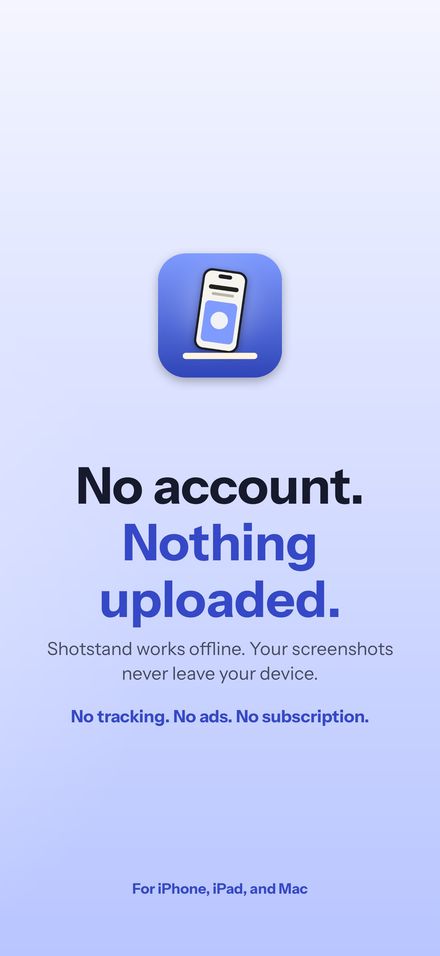
No account, no sign-in, no analytics, no ads, and no network requests at all. Screenshots of an app that isn't out yet are exactly what you shouldn't have to upload anywhere just to put them in a frame. Shotstand works in airplane mode, and your images go only where you save or share them.
Proof It Works
Every App Store screenshot for Not Yet, 45 of them across iPhone, iPad, and Mac, was made in Shotstand. So were Shotstand's own. How Not Yet's screenshots were made walks through that set from start to finish.
Shotstand is coming soon to the App Store. Until then, the live demo on the Shotstand page runs the app's real drawing engine in your browser, and every App Store screenshot size, explained tells you exactly which sizes you need.